
Set Up IPTV on MAG Box / STB Emulator
Follow this simple step-by-step tutorial to load your portal, enter the required settings, and start streaming on your MAG Box or STB Emulator.
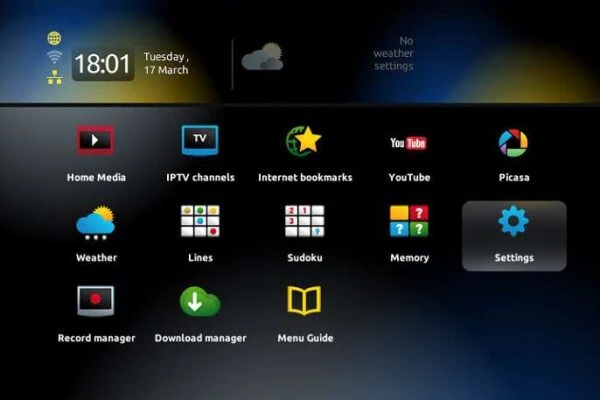
1 Open the Main Portal
- When the box is being loaded, the main portal screen appears.
2 Go to Settings
- Press the remote button SETUP/SET, then click on Settings.
3 Open System Settings
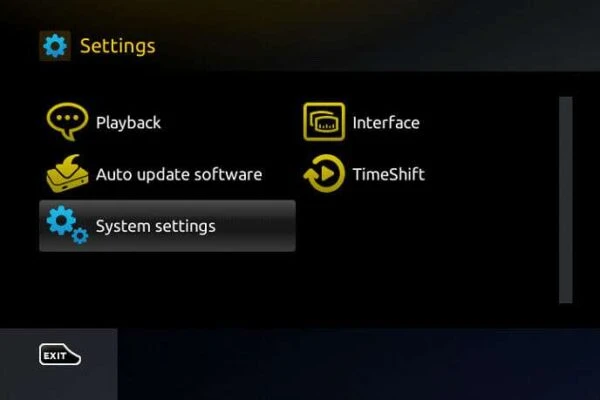
- Click on System settings, then select Servers.
4 Choose Portals
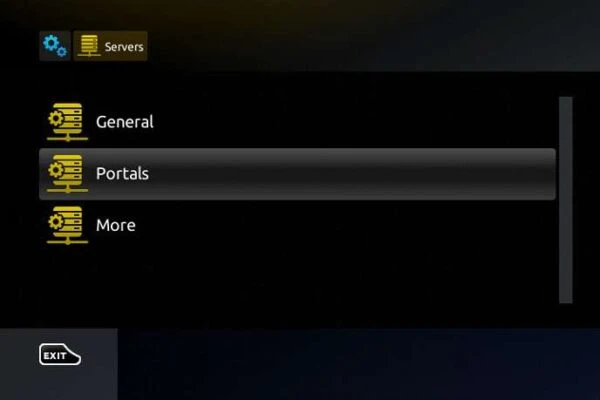
- Select Portals from the servers menu.
Portal Details
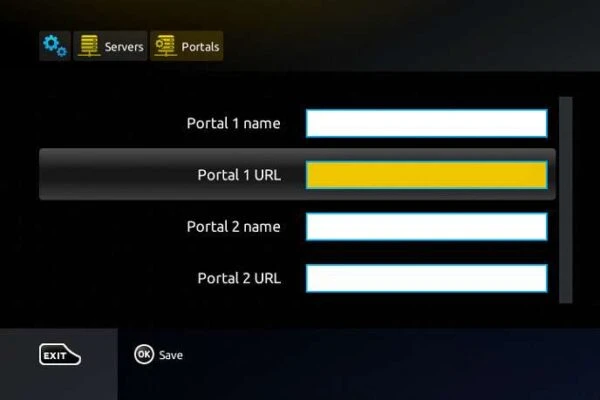
- In the Portal 1 Name section, enter your portal name.
- In the Portal 1 URL section, enter the Portal URL provided after subscription.
- Make sure you send your device MAC address to complete activation.
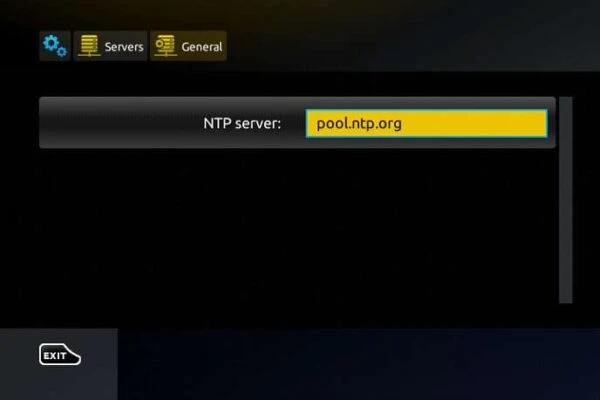
Final step: Press OK to save, then exit and restart the portal to load your channels. After that, your MAG Box or STB Emulator should be ready to use.