
Install IPTV on Smarters Pro on Android & ChromeOS
Learn how to set up IPTV on Android and ChromeOS using M3U Playlist or Xtream Codes. This guide includes step-by-step instructions, screenshots, playlist import, EPG configuration, and troubleshooting tips.

Install IPTV on IPTV Smarters Pro for Android & ChromeOS
Set up IPTV Smarters Pro using Xtream Codes on Android and ChromeOS. Follow these steps to install, log in, and load your playlist.
1 Install App
- Open your Play Store or device app store, search for IPTV Smarters Pro, and click Install.

2 Open the App
- Open the app once downloaded and click on Add user or the equivalent login option.
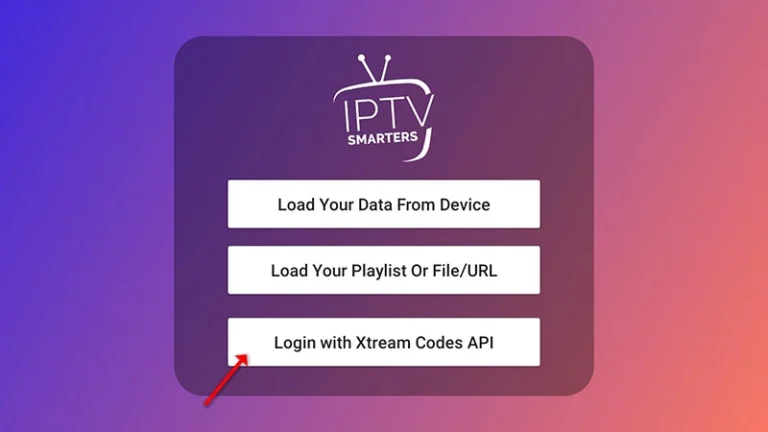
3 Add Details
- Enter your IPTV login credentials in the second, third, and fourth boxes, then click ADD USER or Submit.
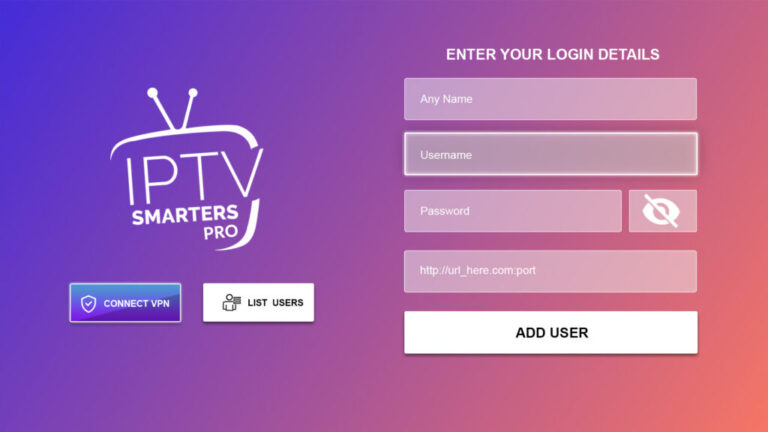
4 Wait
- Wait a few seconds while the app loads your channels and playlist data.
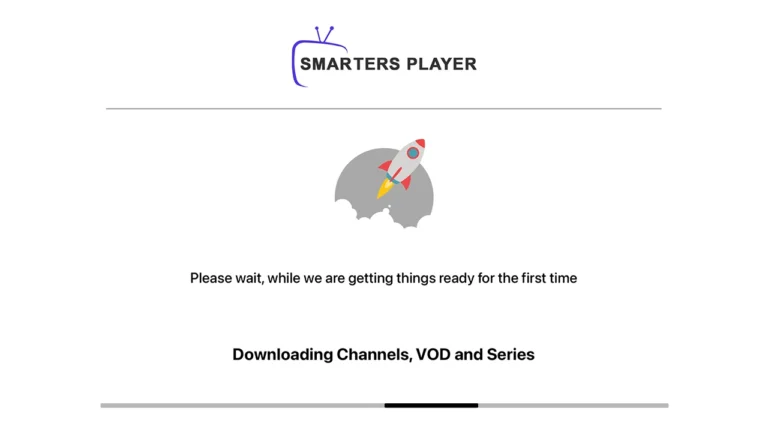
Final Setup
Once logged in, the user list screen will appear. Select your newly created profile and wait for the channels to finish loading. After that, you can start streaming right away.
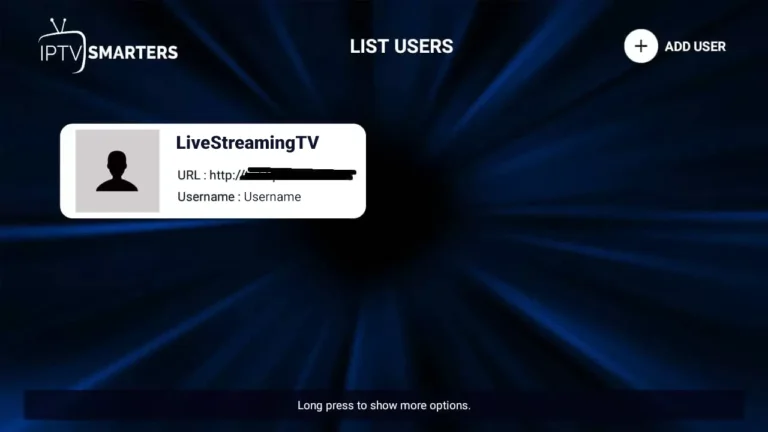
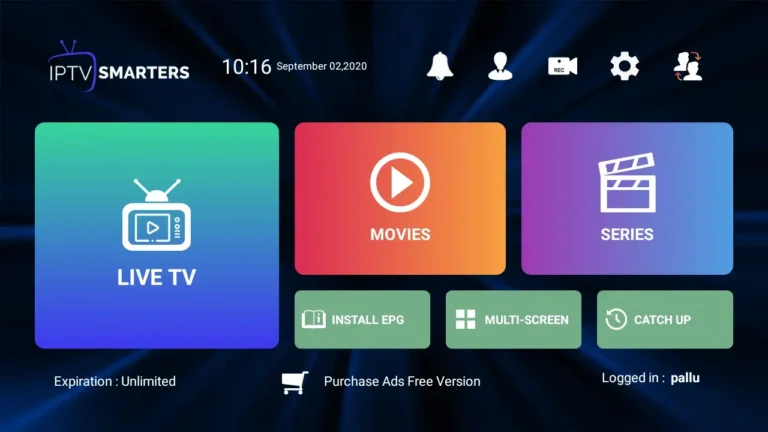

Congratulations! You’ve now completed the setup of IPTV Smarters Pro for seamless streaming.